4. Two-Column Data Config — Two-Column List
This step is the dedicated data configuration screen for Two-Column List. The Label Column (left label) and Value Column (right value) are selected from the columns returned by the Compass record.
Wizard route: /cartography/add/twocolumnlistdataconfig
Prerequisite
A Compass record must be selected in Step 3 and the query result loaded.
1. Screen Layout
The left side contains the Label Column and Value Column dropdowns; the right side shows a live two-column list preview.
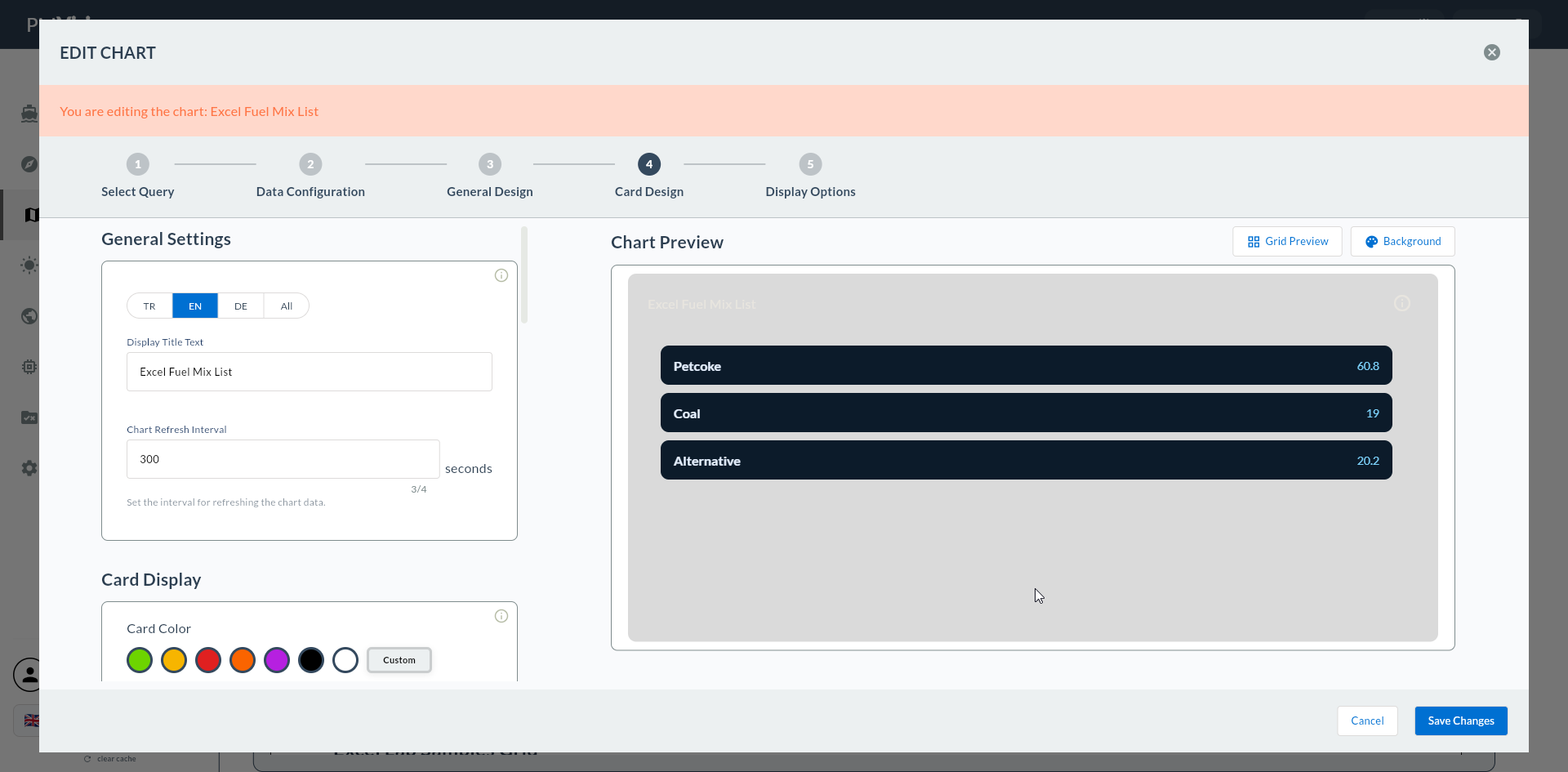
2. Label Column
| Field | Description |
|---|---|
| Label Column | The column that will appear as a label on the left side |
Example values:
- parameter_name
- shift
- sensor_name
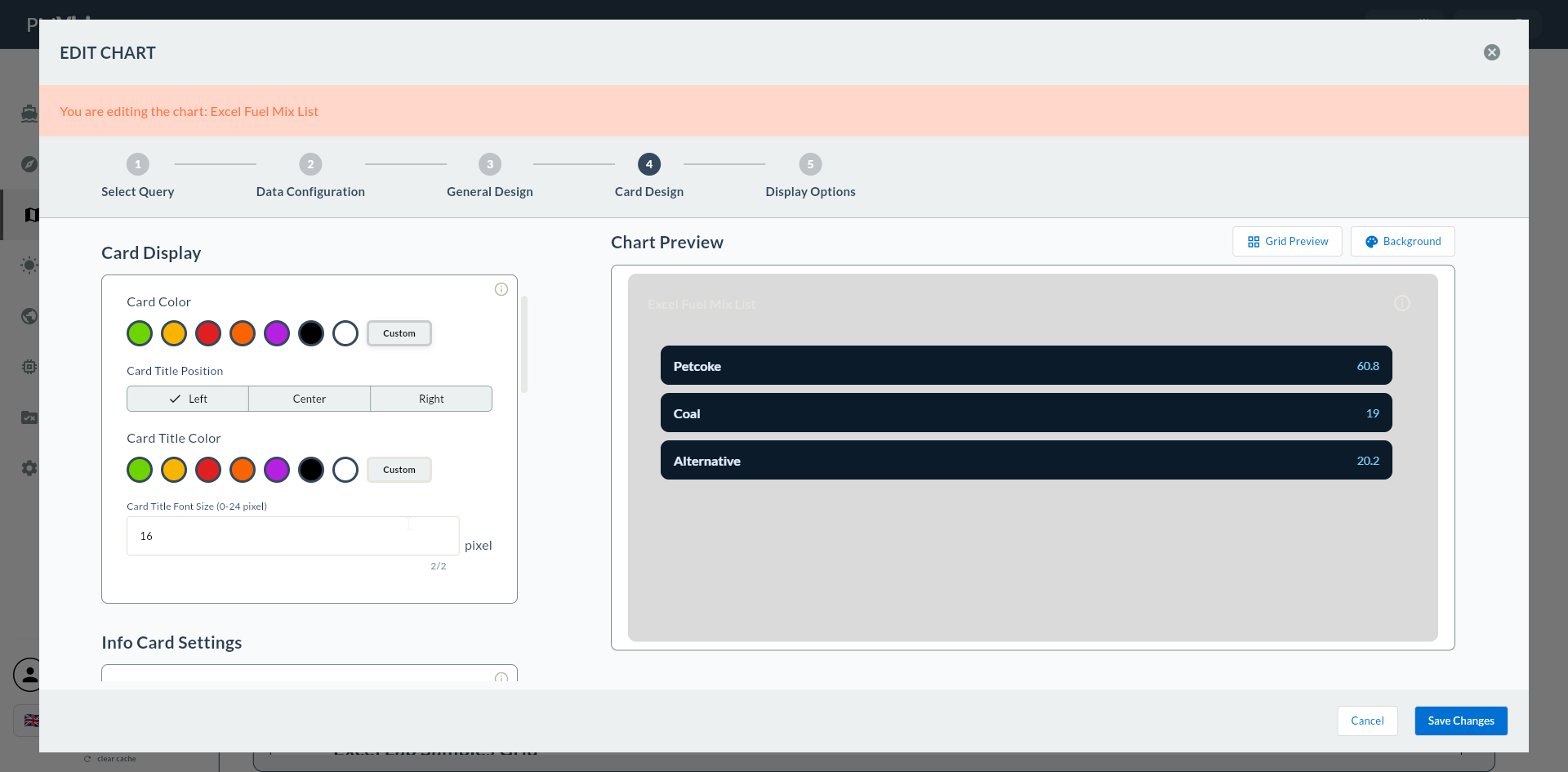
If Label Column Is Left Empty
If this field is not filled, the Next button gives a warning: "Please select a Label column".
3. Value Column
| Field | Description |
|---|---|
| Value Column | The column that will appear as a value on the right side |
Example values:
- parameter_value
- production_count
- last_reading
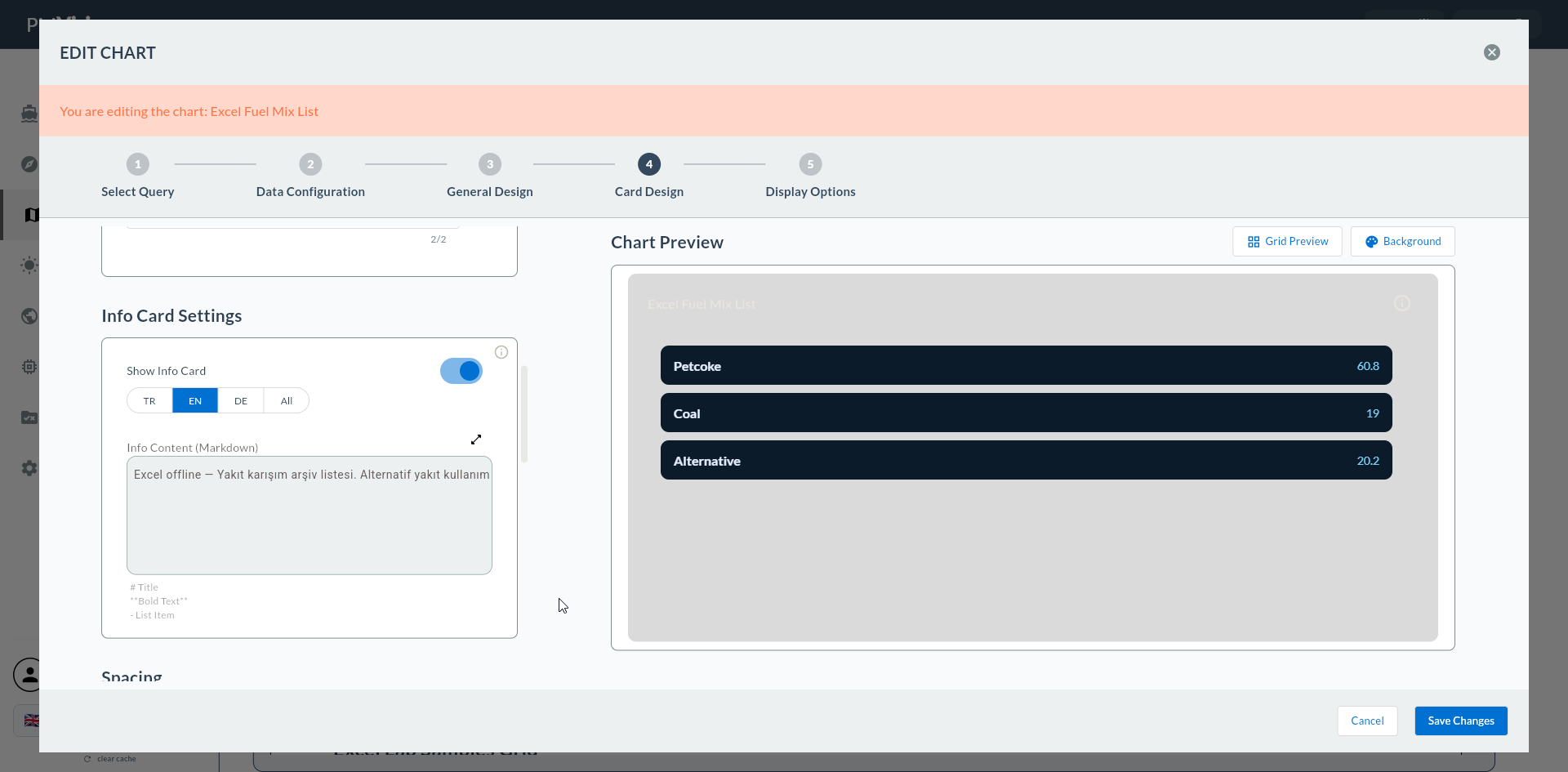
If Value Column Is Left Empty
If this field is not filled, the Next button gives a warning: "Please select a Value column".
Numeric vs Text Values
Value Column accepts both numeric and text columns. For numeric values, format can be configured in Step 7; text values are displayed as-is.
4. List Preview
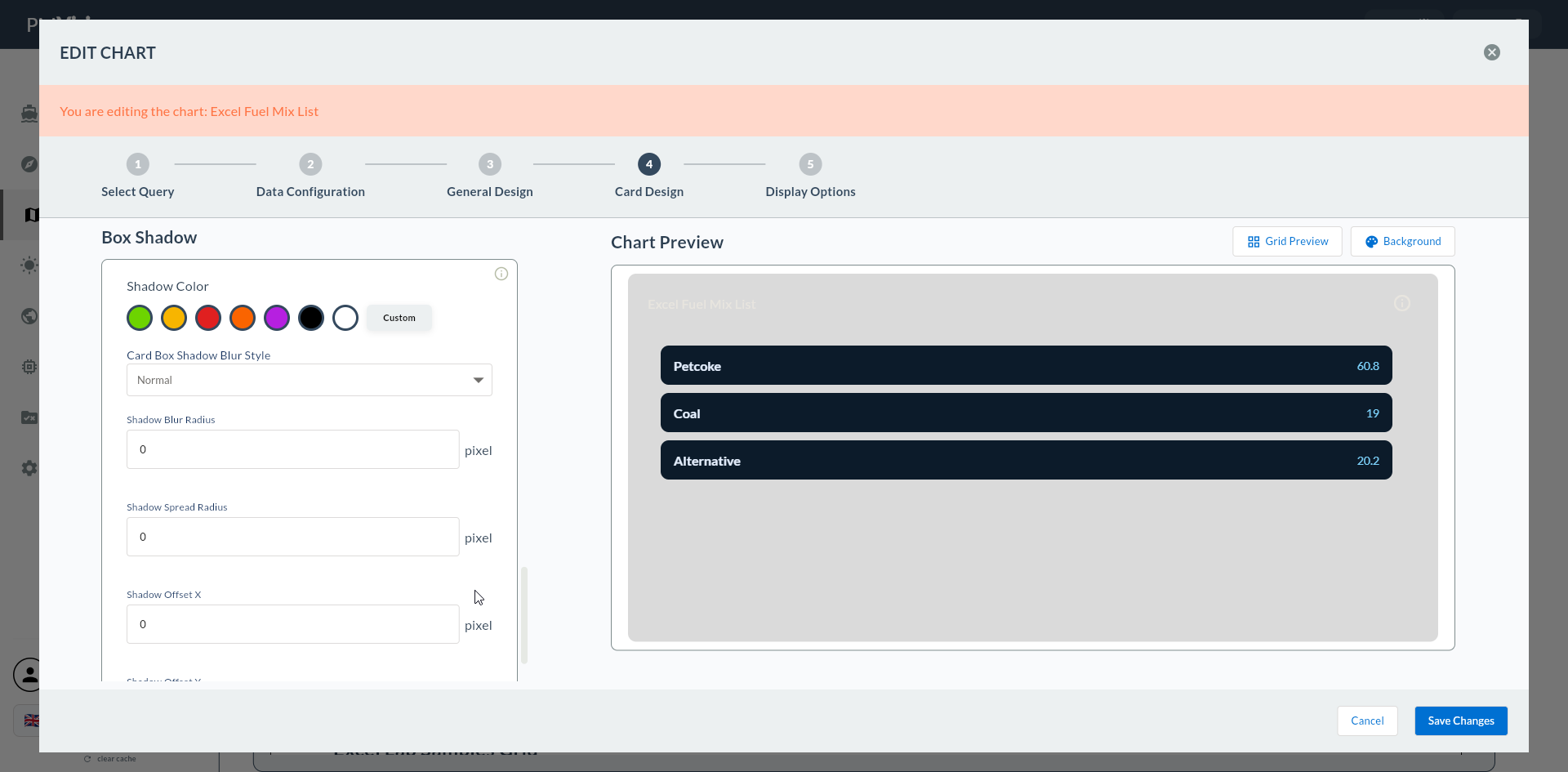
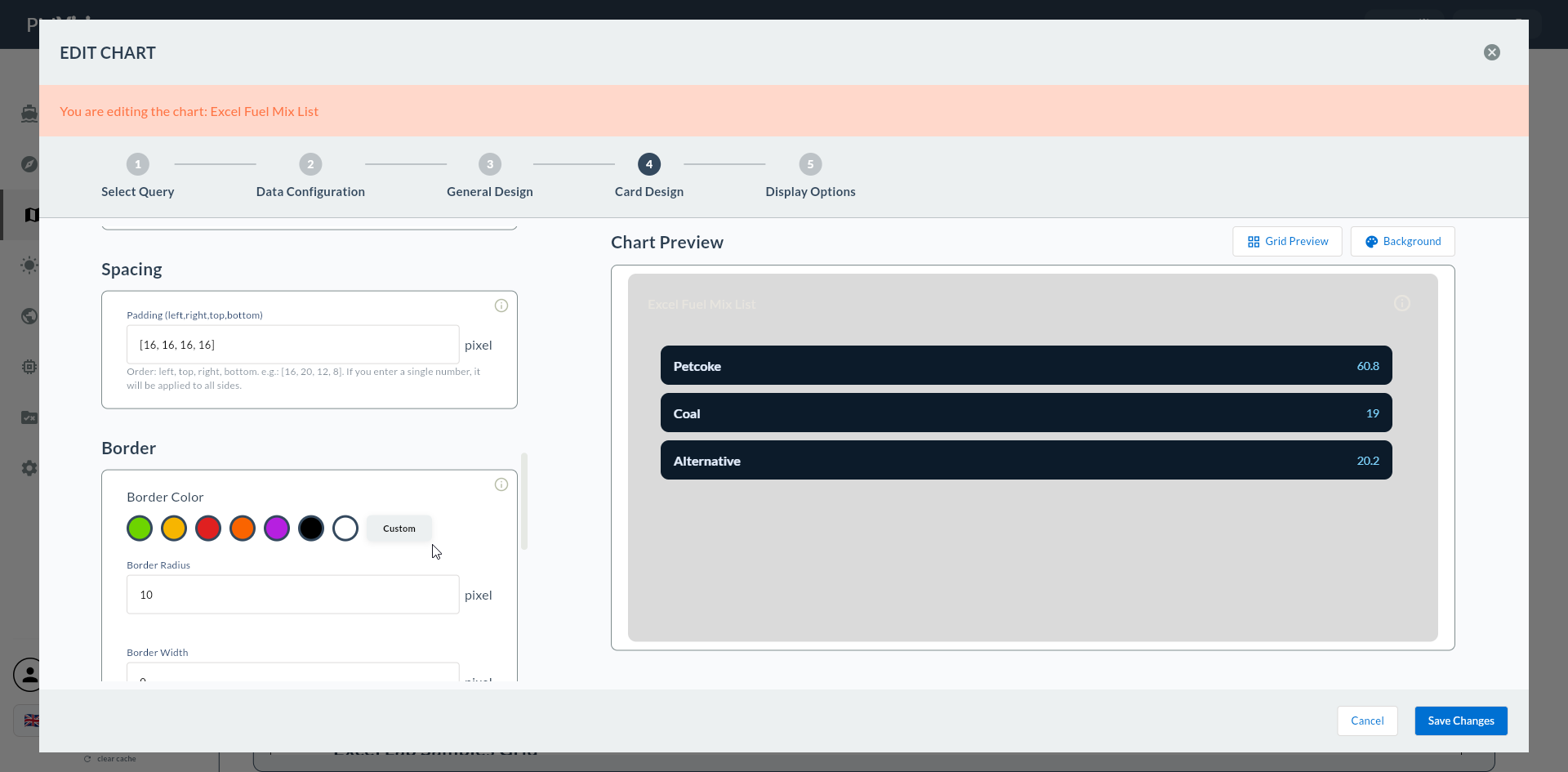
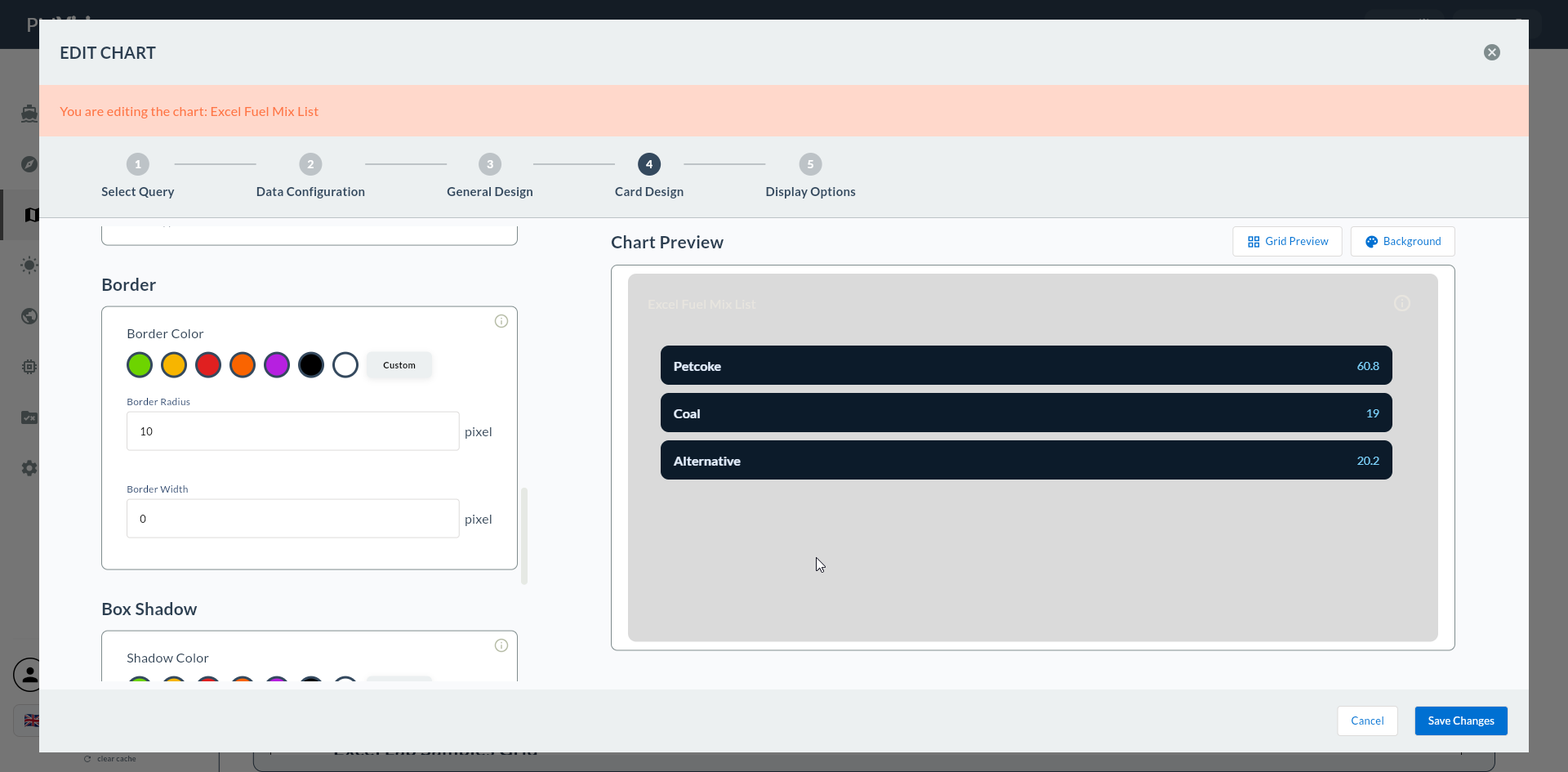
Once the mapping is correctly set up, the right side updates as a two-column list. Each row is one item:
| Label | Value |
|---|---|
| Shift | S1 (06-14) |
| Production Count | 1,245 |
| Target | 1,500 |
| OEE | 82% |
| Responsible | John S. |
Value Order
The list preview preserves the query row order. Use ORDER BY sort_order in SQL to display rows in a specific order (by importance, alphabetically, etc.).
5. Common Errors
| Symptom | Likely Cause | Resolution |
|---|---|---|
| Preview empty | Label/Value column names blank | Fill both dropdowns |
| Same column for both Label and Value | Accidentally selected the same | Select different columns |
| Long label overflows | Label text exceeds card width | Shorten in Compass with LEFT(label, 30) |
6. Confirmation
When you click the Next button at the top right, flow.hasColumnListDataConfig = true is marked and you go directly to Step 7 General Design (5, 6 are skipped).