2. Chart Type Selection — Two-Column List
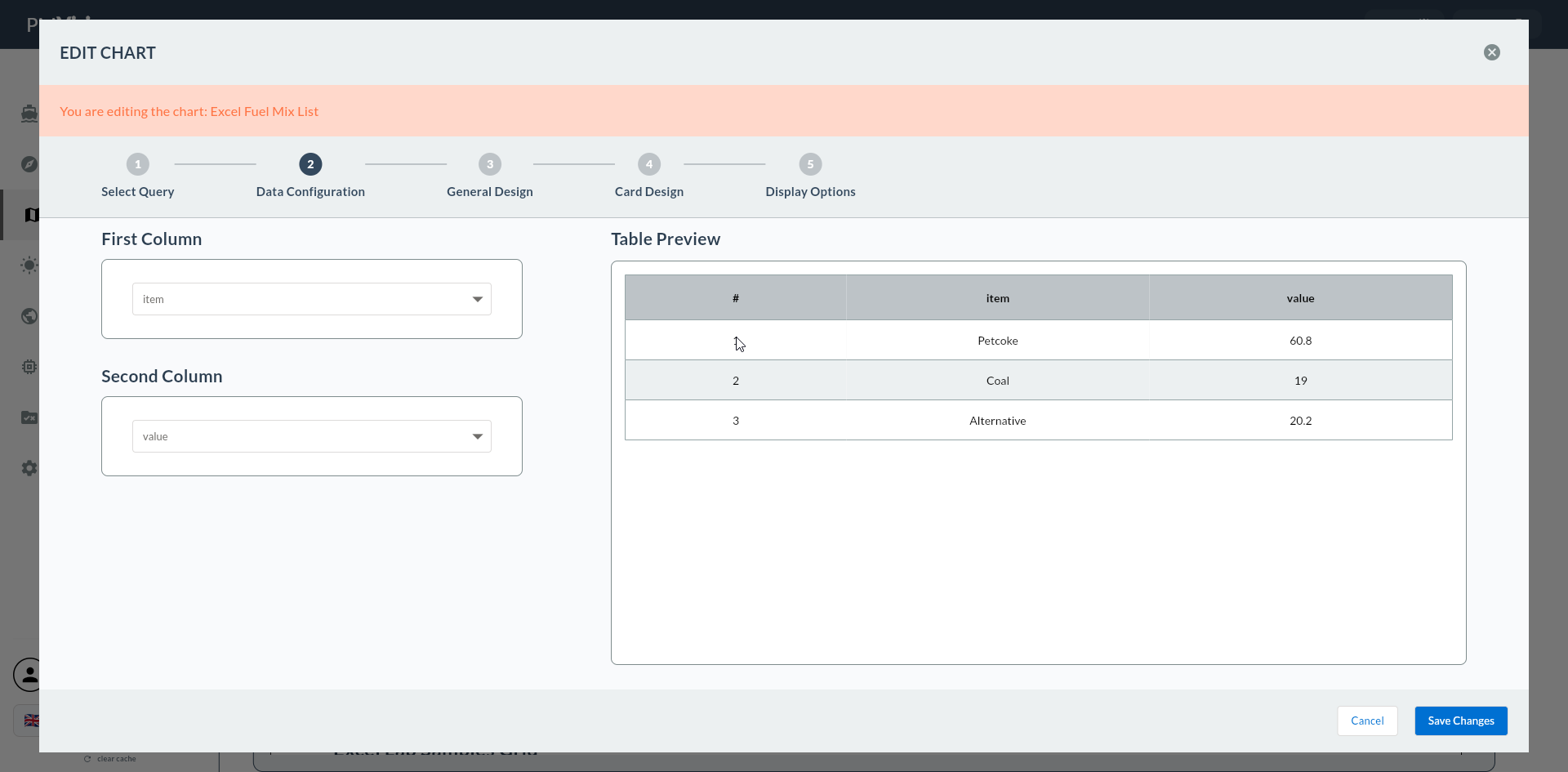
In the second step you select Two-Column List, the only chart type in the Other group. This selection triggers the dedicated /cartography/add/twocolumnlistdataconfig screen to open in Step 4, and causes Steps 5/6 to be skipped.
Wizard route: /cartography/add/selectchart
1. Review the Type List
2. Other Type
| Chart Type | Typical Use |
|---|---|
| Two-Column List | Label-value pair list (summary card, shift info panel) |
Map Type
The Cartography infrastructure includes a map type (Map) but it is currently not exposed to users in the Other group. Map type does not appear in the selection list.
3. Select Two-Column List
Click the Two-Column List card. The card is highlighted with a bold green border.
Click the Next button at the top right.
Proceeding Without Selecting a Type
If no type is selected, Next gives a warning.
Skipped Steps
For Two-Column List, 5. Series Design and 6. Add Series are skipped. Step 4 is the dedicated Two-Column Data Config screen.