7. General Design — Static Text
This step is the main content screen of the Static Text widget. You write content in the Markdown editor using headings, lists, links, bold/italic text, images, and tables. Additionally, icon, wave animation, and text formatting settings are configured here.
Wizard route: /cartography/add/generaldesign
Prerequisite
Steps 1 and 2 of the Static Text flow must be completed (3, 4, 5, 6 are skipped).
The Core Step for Static Text
The visual personality of Static Text is established in this step. The content lives here; Step 8 only configures the outer card shell.
1. Screen Layout
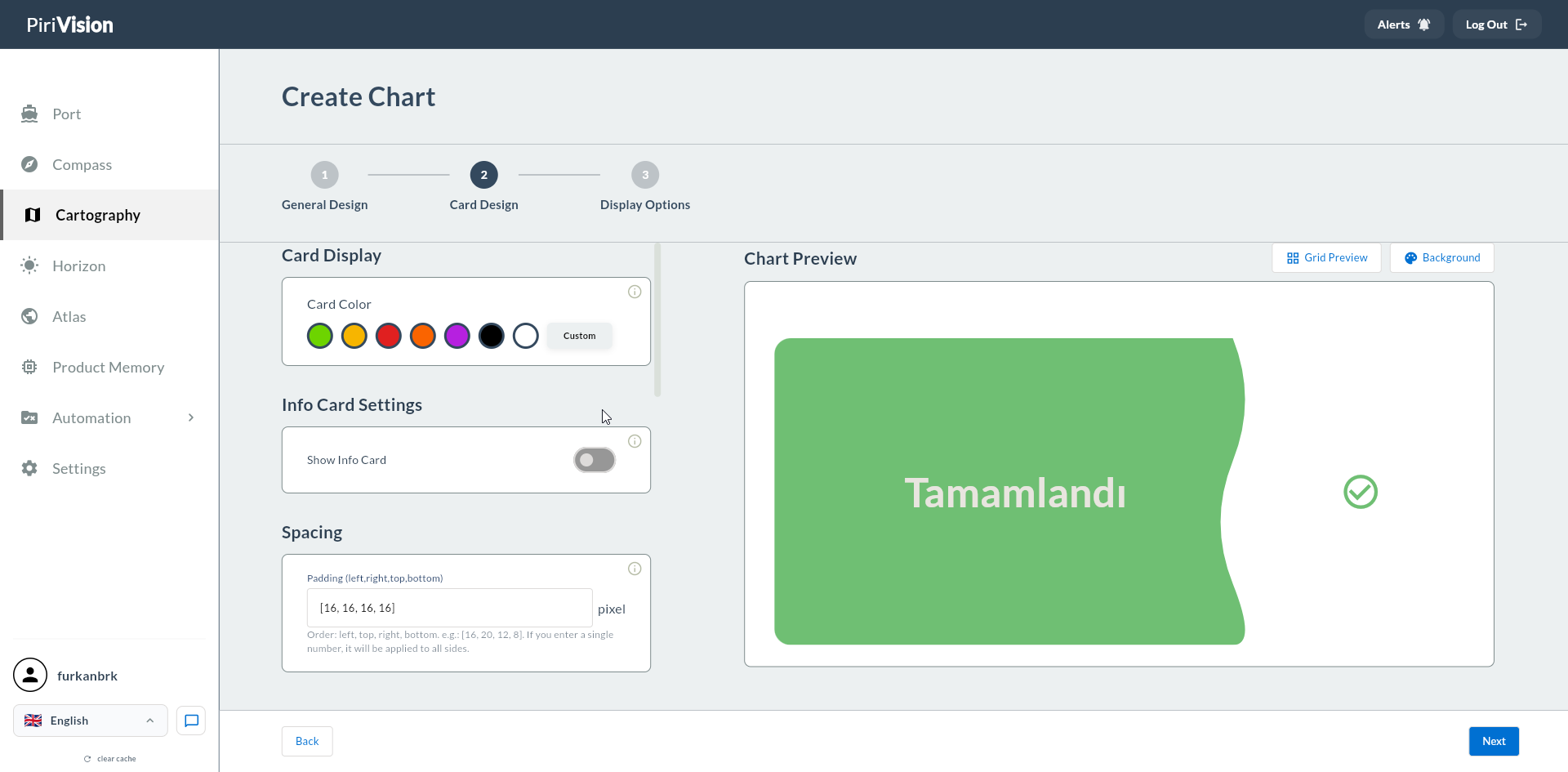
The left side contains the Markdown editor + icon/wave settings; the right side shows a live card preview.
2. Text Settings
| Field | Description |
|---|---|
| Text Content | Fixed text / Markdown content |
| Default Text Color | Default text color |
| Text Position | Left / Center / Right alignment |
| Font Size | General text size (px) |
3. Supported Markdown Syntax
# Large Heading
## Sub Heading

**Bold text** and *italic text*

- Item 1
- Item 2
- Item 3

| Column A | Column B |
|----------|----------|
| Value 1  | Value 2  |

[Link text](https://example.com)

> Important note or quote
Markdown Editor Full Screen
Click the Expand button at the top right of the editor to open it full screen. This is handy when writing longer content.
4. Icon and Wave
Decorative icon and wave animation in the card header area.
| Field | Description |
|---|---|
| Show Icon and Wave | Icon and wave visibility (toggle) |
| Default Wave Color | Wave animation color |
| Select Icon | Selection from preset icon list |
| Upload Image | Upload a custom image |
| Icon/Image Size | Icon size (px) |
| Default Icon Color | Icon color |
Wave Animation Usage
If Static Text is a section header on a dashboard, the wave animation adds emphasis. If there are many Static Text cards, the animation can become distracting; limit it to 1-2 cards.
5. Format
This field is not used for Static Text; it is specific to Dynamic Text. Because the text in Static Text is fixed, no format is needed.
6. Usage Scenarios
6.1 Dashboard Header
6.2 Operator Instruction
## Emergency Procedure
1. **Temperature above 95°C** → Stop the line
2. **Vibration above 5 mm/s** → Open a maintenance request
3. **Pressure above 9 bar** → Check valves
6.3 Contact Information
## Shift Supervisors
- **S1** — John Smith — +1 555 123 4567
- **S2** — Jane Doe — +1 555 234 5678
- **S3** — Bob Jones — +1 555 345 6789
7. Confirmation
When you click the Next button at the top right, flow.hasGeneralDesign = true is marked.