3. Compass Record Selection — Two-Column List
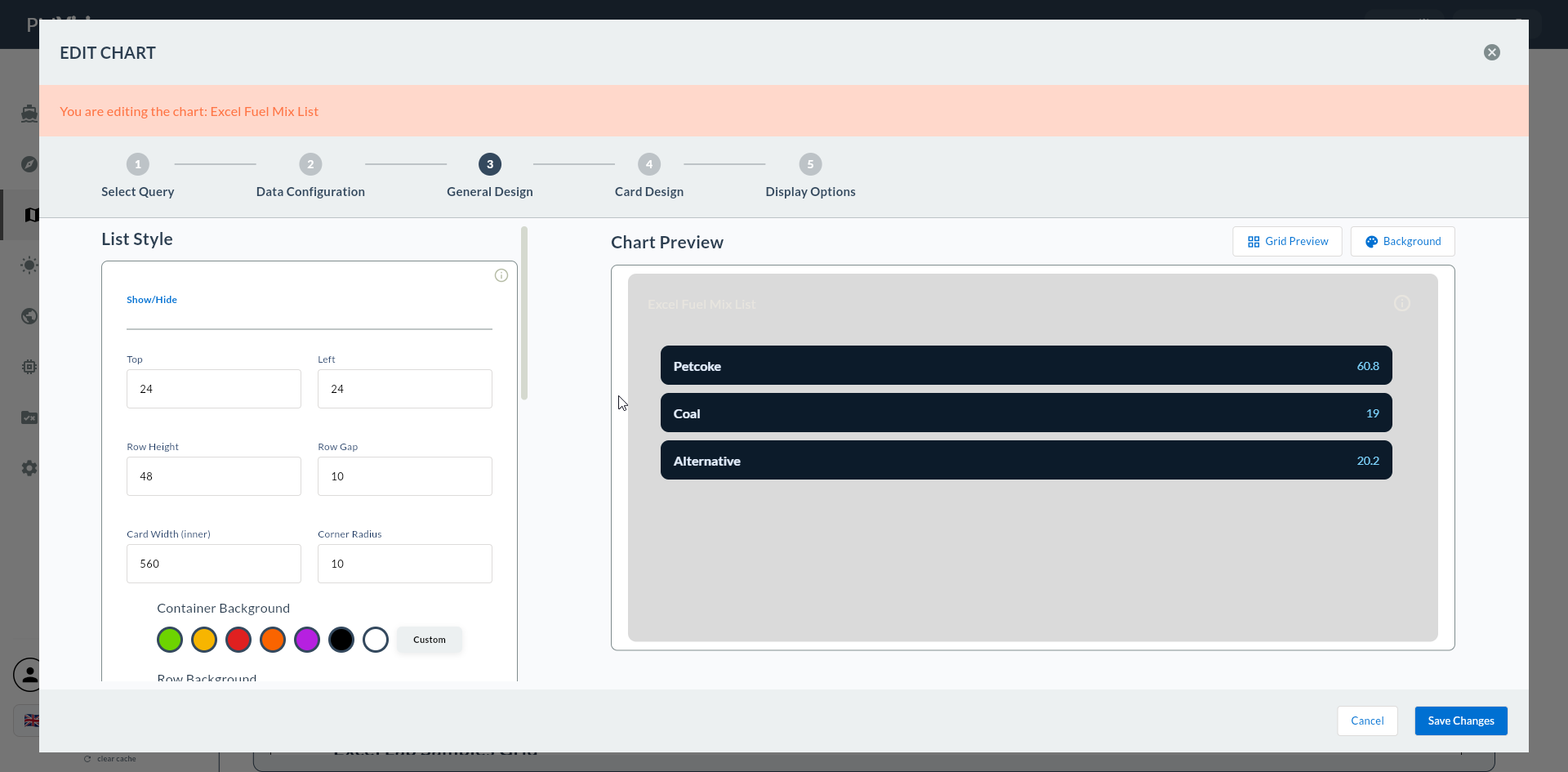
In this step you select the Compass record that the Two-Column List widget will use. Your record must return label + value pairs; each row becomes a list item.
Wizard route: /cartography/add/selectcompass
1. Compass Record List
2. Suitable Record Structure for Two-Column List
-- Shift summary info
SELECT
    'Shift'           AS label, 'S1 (06-14)'  AS value UNION ALL
SELECT 'Production Count',        '1,245'               UNION ALL
SELECT 'Target',                  '1,500'               UNION ALL
SELECT 'OEE',                     '82%'                 UNION ALL
SELECT 'Responsible',             'John S.';
-- Recipe parameters (simple summary)
SELECT
    parameter_name  AS label,
    parameter_value AS value
FROM recipe
WHERE recipe_id = 42
ORDER BY sort_order;
| Column | Role in Step 4 | Type |
|---|---|---|
| Label column | Label Column | TEXT |
| Value column | Value Column | TEXT or NUMERIC |
Multiple Rows
Two-Column List displays multiple rows; each row becomes a list item. 5-15 rows is practical; for very long lists use DataGrid instead.
3. Compatible Data Sources for Two-Column List
| Data Source | Two-Column List Compatibility |
|---|---|
| PostgreSQL / MSSQL / MySQL | ✅ Ideal |
| REST API | ✅ Suitable — JSON array |
| MQTT | ⚠️ Limited |
| Excel Offline | ✅ Suitable — label + value columns in sheet |
4. Search and Tag Filter
| Action | Effect |
|---|---|
| Search box | Instant filter |
| Tag filter | Only tags in use |
| Clear | Reset filters |
Two-Column Tags
Use list, summary, label-value tags in Compass for Two-Column List queries.
5. Confirm the Record
When you click a record the row is highlighted. Click the Next button at the top right to proceed.
Proceeding Without Selecting a Record
If no record is selected, Next gives a warning.
6. Excel Offline Sheet Selection
For Excel records, an additional Sheet dropdown appears.
7. Preview Execution
When you press Next, the record is executed.
8. Common Errors
| Symptom | Likely Cause | Resolution |
|---|---|---|
| List is empty | Record returns no rows | Test the query |
| Dropdowns empty in Step 4 | Query returns fewer than 2 columns | Add label + value columns |